Short answer: choose Wix if you want a good-looking small site live this week, with hosting, security and updates handled for you, and you are happy to stay inside what Wix offers. Choose WordPress if you want full control: any design, any feature through plugins, content you can move to another host, and room to grow into a large site or store. Wix is easier on day one. WordPress is more flexible on day 1,000.
Both are popular. According to W3Techs, WordPress runs about 40% of all websites and Wix about 4%, as of October 2026. This guide compares them on the things that decide which one suits you: ease of use, design, cost, SEO, ecommerce, ownership and growth.
Wix vs WordPress at a glance
| Wix | WordPress (self-hosted) | |
|---|---|---|
| What it is | An all-in-one website builder | Free, open-source software you install on hosting you choose |
| Ease of use | Drag and drop, no setup | A learning curve, or a developer to set it up |
| Hosting and updates | Included and handled by Wix | Your host, and you (or your developer) keep it updated |
| Design freedom | Templates and a visual editor | Any design, through themes or a custom build |
| Features | Wix apps and built-in tools | Tens of thousands of plugins, or custom code |
| Ecommerce | Built in on higher plans | WooCommerce, free plugin |
| Moving away later | Hard: the design stays on Wix | Easy: export everything and move host |
| Best for | Small sites that need to launch fast | Growing sites, content-heavy sites and custom needs |
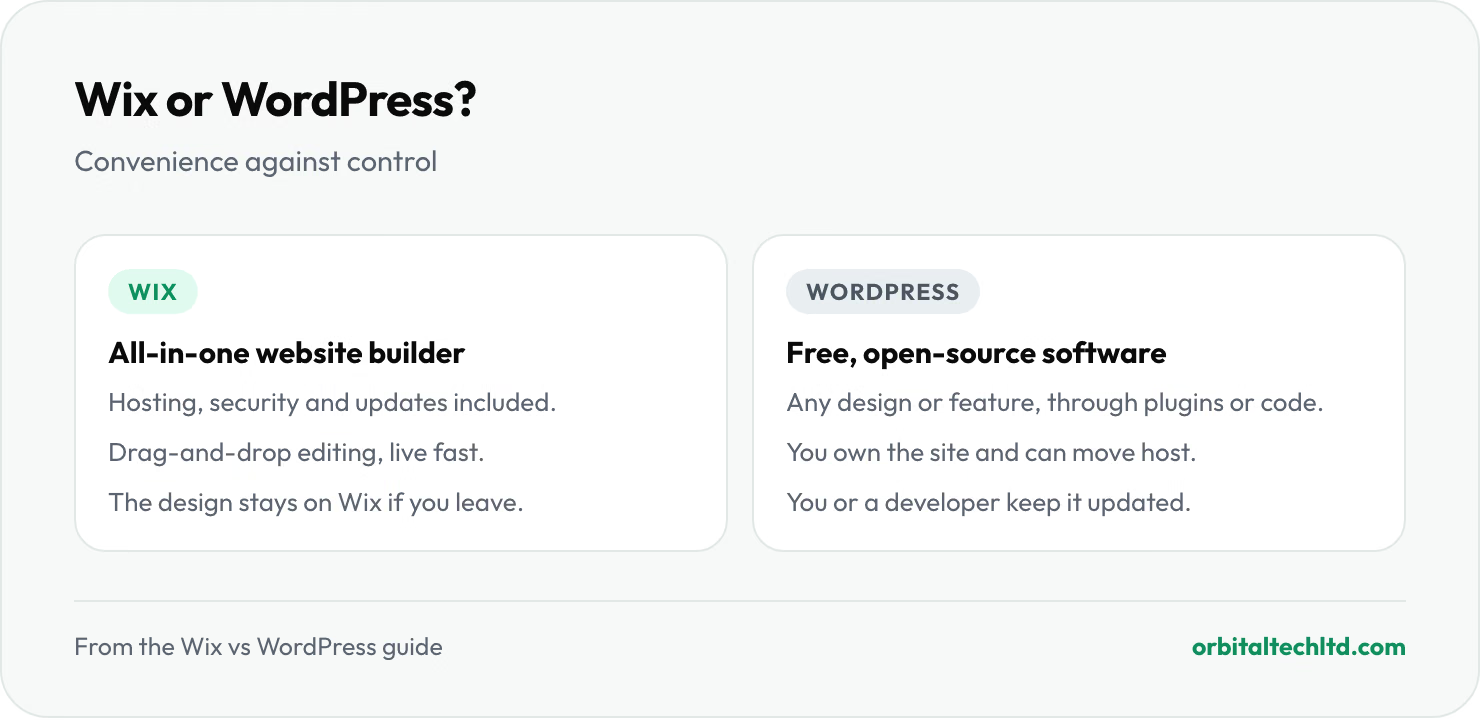
One naming note: WordPress.com is a hosted service, closer to Wix, while WordPress.org is the free software you run on your own hosting. When people compare Wix with WordPress, they usually mean the self-hosted version, and that is what this guide compares.
Ease of use
Wix wins here. You sign up, pick a template, drag elements where you want them and publish. There is nothing to install, no hosting to choose and no updates to run. For someone building their own site without help, that matters.
WordPress takes more setup: choosing a host, installing WordPress, picking a theme and adding plugins. Day-to-day editing in the block editor is straightforward once the site is built, which is why many businesses have a developer set WordPress up and then edit content themselves.
Design and flexibility
Wix gives you a visual editor with a lot of freedom on each page, inside the limits of the platform. If you want something Wix does not do, your options are an app from the Wix App Market or doing without.
WordPress has no ceiling. A theme gets you started, and a developer can build any layout or feature, from a members' area to a booking system to custom integrations with your CRM. The trade-off is that more freedom means more decisions, and a site stuffed with plugins can get slow and fragile.
Cost
The two charge in different ways. Wix is a subscription that bundles hosting and most features. WordPress itself is free, and you pay for the parts around it.
| Cost | Wix | WordPress |
|---|---|---|
| Software | Included in the plan | Free |
| Hosting | Included in the plan | From a few dollars to a few hundred a month, depending on traffic |
| Plans | About $17 to $159 a month, billed yearly (Light to Business Elite) | None |
| Domain | Connect one you buy, or buy through Wix | About $10 to $25 a year for a .com |
| Themes and plugins | Some Wix apps charge extra | Many free; premium ones often charge yearly |
| Maintenance | Handled by Wix | Your time, or a maintenance plan |
Wix prices are from its plans page in October 2026, and selling online needs the Core plan or above. Check current Wix pricing before you budget, as it changes. For a small site, the yearly cost is often similar. The bigger cost difference is usually the build: who designs the site, writes the content and sets it up. Our guide to how much a website costs covers that side.
SEO
Both can rank well. Wix handles the basics out of the box: editable titles and descriptions, sitemaps, clean URLs and mobile-friendly templates. For a small local business site, that is usually enough.
WordPress gives you more control as the site grows: full control over URLs and redirects, schema markup, page speed tuning on your own hosting, and SEO plugins such as Yoast or Rank Math. On large or content-heavy sites, that control is often the difference. Either way, what ranks is the content and the links pointing to it, not the platform. Our guide to SEO for small business covers what to do first on either one.
Ecommerce
Wix includes an online store on its Core plan and above, which works well for a small catalogue. WordPress adds a store through WooCommerce, a free plugin with a large library of extensions for subscriptions, bookings, wholesale pricing and more. If selling online is the main job of the site, also look at Shopify: our comparison of Shopify vs WooCommerce covers that choice.
Ownership and moving later
This is the point people only notice when it is too late. A Wix site lives on Wix. You can export some content, such as blog posts, but you cannot take the design and layout to another host. If you outgrow Wix, you rebuild.
WordPress is open source. You own the files and the database, you can move to any host, and any WordPress developer can pick up the site. That makes WordPress the safer long-term bet for a site you expect to grow.
When to choose Wix
- You are building it yourself and want it live quickly, without hosting or updates to think about.
- The site is small and stable, such as a few service pages, a gallery and a contact form.
- You would rather pay one monthly bill than manage hosting, plugins and maintenance.
When to choose WordPress
- You plan to publish a lot of content, such as a blog, guides or many service and location pages.
- You need features Wix does not offer, or integrations with your own systems.
- You want to own the site and be free to change host or developer.
- The site has to be fast and rank in competitive searches, where control over speed and technical SEO pays off.
Can you move from Wix to WordPress?
Yes, but it is a rebuild rather than a transfer. The content is copied across, the design is rebuilt as a WordPress theme, and every old URL is redirected to its new address so you keep your search rankings. Our technical SEO audit checklist covers what to check before and after a move like this.
If you are weighing up WordPress, our WordPress development team builds custom block themes, speeds up slow sites and handles migrations that keep your URLs. If neither platform fits, our web development services cover Webflow and custom builds too.