Short answer: an AI agent is software that uses an AI model to carry out a task for you, not just answer a question. Given a goal, it decides the steps, uses tools such as your email, CRM or order system to take them, and checks the result. For businesses, the useful agents today handle well-defined, repetitive work: answering and routing customer messages, qualifying leads, processing documents, and updating records across systems, with a person reviewing anything risky.
This guide explains how AI agents differ from chatbots and automation, where they work well in a business, examples by team, how to start, and the risks to manage.
What makes something an AI agent?
Three things separate an agent from a plain AI chat tool:
- It works towards a goal, such as "resolve this support ticket" or "book this meeting", rather than replying once.
- It uses tools. It can look things up and take actions in other systems: read an order, send an email, update a CRM record, create an invoice.
- It decides the steps. Instead of following a fixed script, it works out what to do next from what it finds, within limits you set.
AI agents vs chatbots vs automation
| Rule-based automation | AI chatbot | AI agent | |
|---|---|---|---|
| How it decides | Fixed rules you write | An AI model answers from its knowledge or your content | An AI model plans steps towards a goal |
| Takes actions | Yes, exactly as scripted | Usually not, or only simple ones | Yes, across connected tools |
| Handles the unexpected | No: anything off-script breaks it | Answers, but can't act on it | Adapts, within limits you set |
| Good for | Predictable, high-volume steps | Answering questions | Multi-step tasks that need judgment |
In practice the lines blur. A good customer service chatbot that can check an order and issue a return label is already acting as an agent. Our page on AI chatbot development services covers that kind of build.
Where AI agents work well in a business
Agents do best on work that is frequent, follows a clear process, and is easy to check. They struggle with work that is rare, ambiguous or high-stakes without review. Good first candidates share these traits:
- High volume: the same kind of task many times a day.
- Clear rules or sources: answers come from your policies, product data or records.
- Systems with access: the tools involved can be connected, usually through an API.
- Easy to check: a person can review the output quickly, at least at first.
AI agent examples by team
| Team | Example agent | What it does |
|---|---|---|
| Customer service | Support agent | Answers order, delivery and returns questions from your data, and hands over to a person when needed |
| Sales | Lead qualification agent | Replies to new enquiries, asks qualifying questions, and books calls or updates the CRM |
| Operations | Document processing agent | Reads invoices, forms and emails and enters the data into the right system |
| Finance | Accounts agent | Matches payments to invoices and chases overdue ones with drafted reminders |
| HR | Screening agent | Sorts applications against the job requirements and schedules interviews |
| Marketing | Content operations agent | Drafts product descriptions or reports from your data for a person to approve |
How to start with AI agents
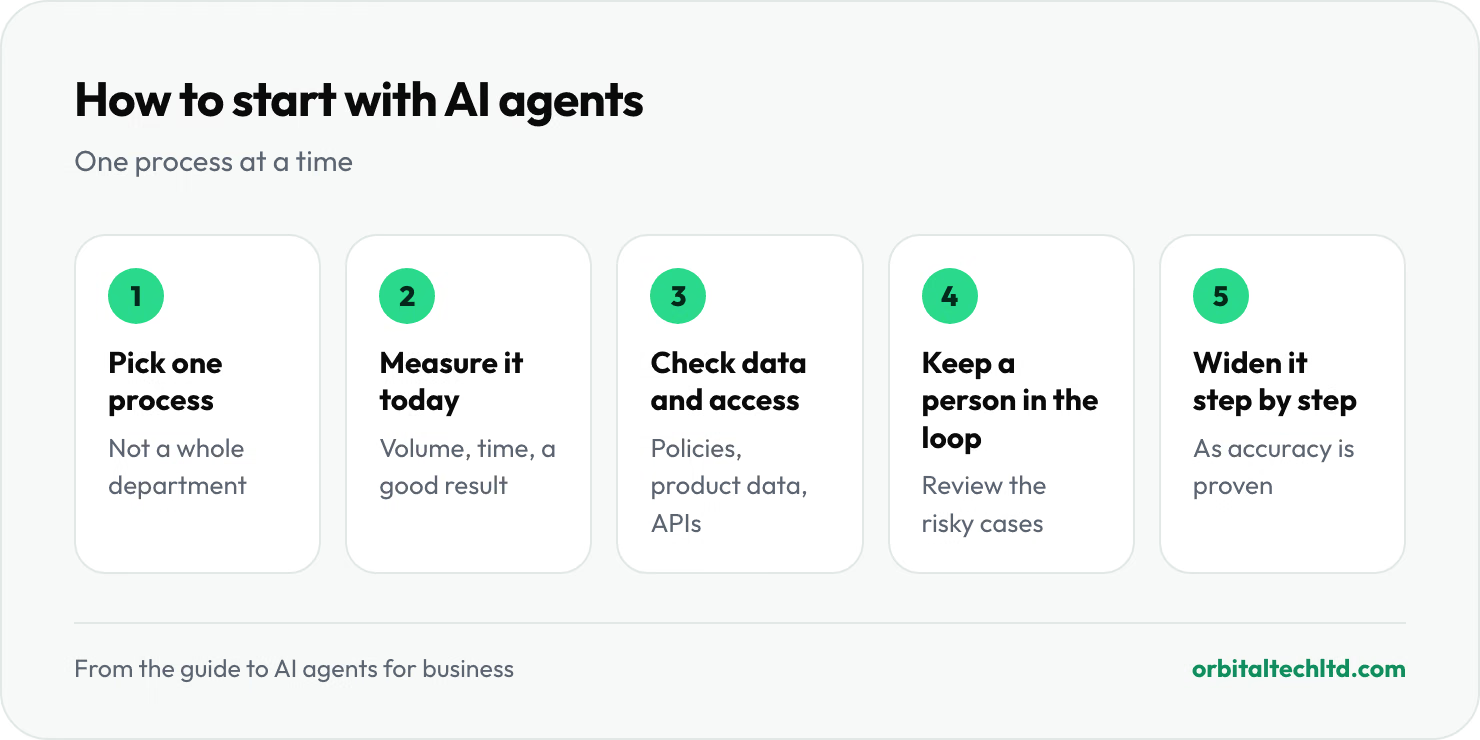
- Pick one process, not a department. "Answer where-is-my-order emails" is a good start; "automate customer service" is not.
- Measure it today: how many a week, how long each takes, and what a good result looks like.
- Check the data and access. The agent needs your policies, product data and a way into the systems it works in.
- Start with a person in the loop. Let the agent draft or act on low-risk cases, and have someone review the rest.
- Widen it step by step as it proves accurate, then move to the next process.
Risks to manage
- Wrong answers: AI models can state things confidently that are not true. Ground the agent in your own content and keep it to tasks you can check.
- Too much access: give an agent only the permissions its task needs, and require approval for anything costly, like refunds over a set amount.
- Data privacy: know where customer data goes. Business versions of AI providers' APIs generally don't train on your data by default, but check the terms, and keep sensitive data out where you must.
- No way out for customers: always offer a route to a person, and hand over with the conversation so far.
Build, buy or both?
Ready-made agents, built into helpdesks, CRMs and other tools, are the fastest start when your process is standard. A custom build makes sense when the agent has to work across your own systems, follow your specific rules, or meet strict data requirements. Many businesses use both: off-the-shelf where it fits, custom where it doesn't. Pairing agents with people works well too: our BPO services combine human agents for the hard questions with AI for the repeat ones.
Our AI integration services connect AI agents and workflow automation to the tools you already use. Omni Agent, our own AI agent for website chat, email and messaging channels, is currently taking a waitlist.